
01Features that matter
3PL WMS Roles and Permissions Checklist
Who may see what, who may change what, and which changes need a second person. A checklist you can test in a demo with two logins.
3PL warehouse management software
A working guide for 3PL owners who need one system for receiving, storage, picking, client billing and a client portal, and want to know what to ask before they buy.
01Features that matter
Who may see what, who may change what, and which changes need a second person. A checklist you can test in a demo with two logins.
Picking software for a 3PL is harder than picking it for a single-company warehouse. You hold stock for many clients, you bill in several ways, and each client wants to see their own numbers. Most software pages are written to win the sale. We would rather lay out the decision so you can run it yourself.
Each guide here takes one question, such as what to look for in billing or what a client portal should show, and answers it in plain words with the date we last checked it.
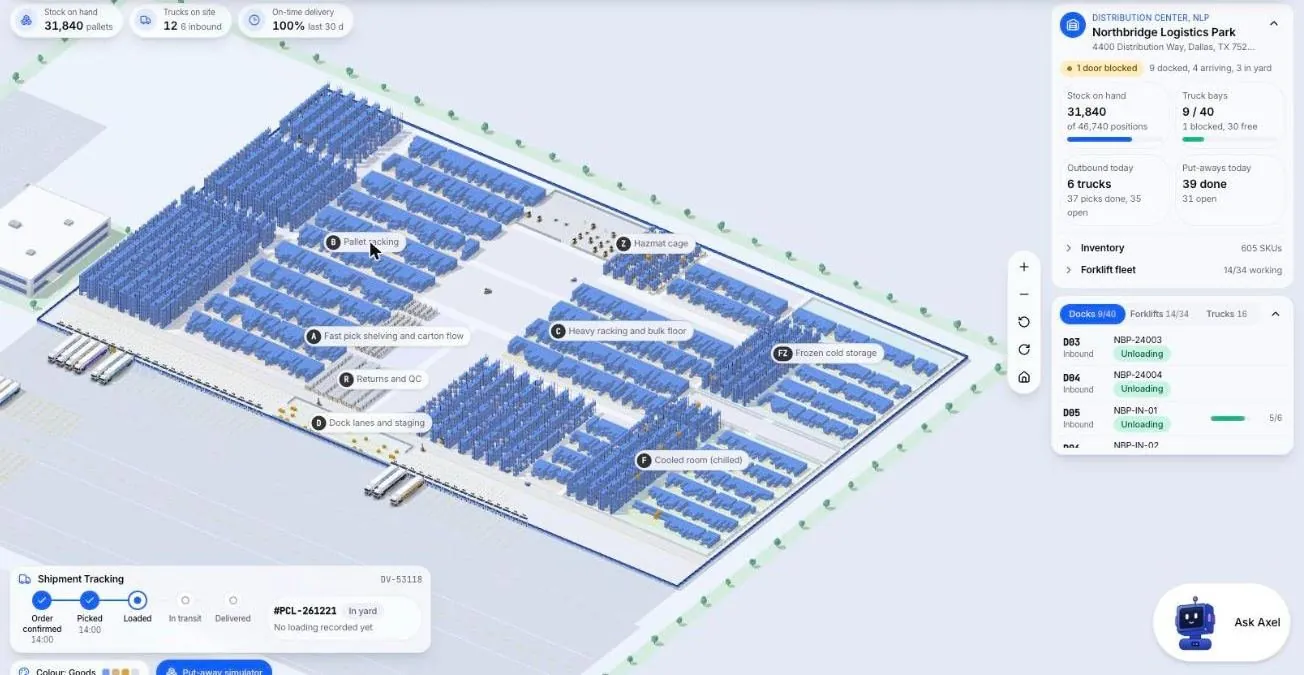
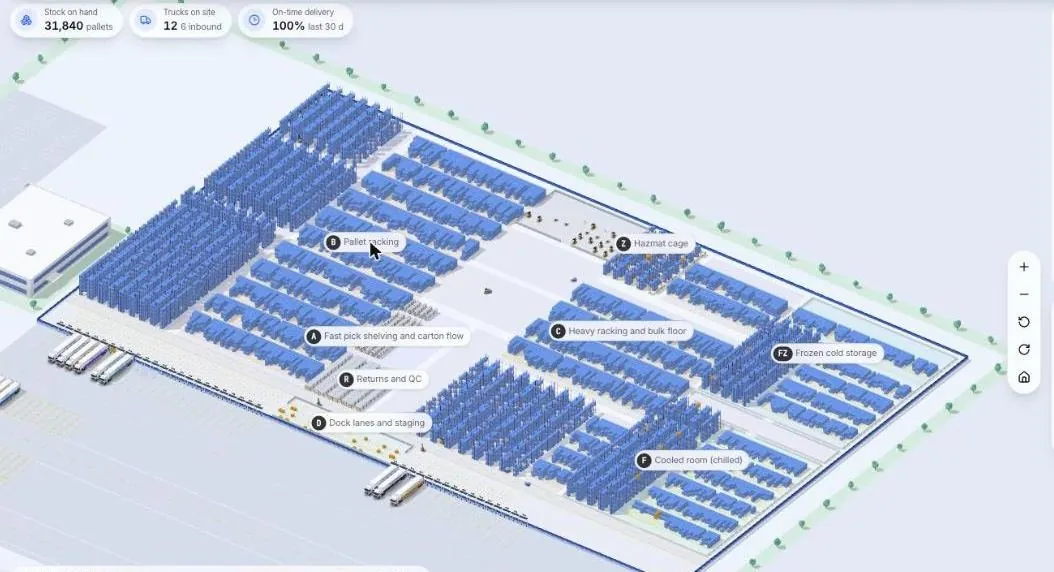
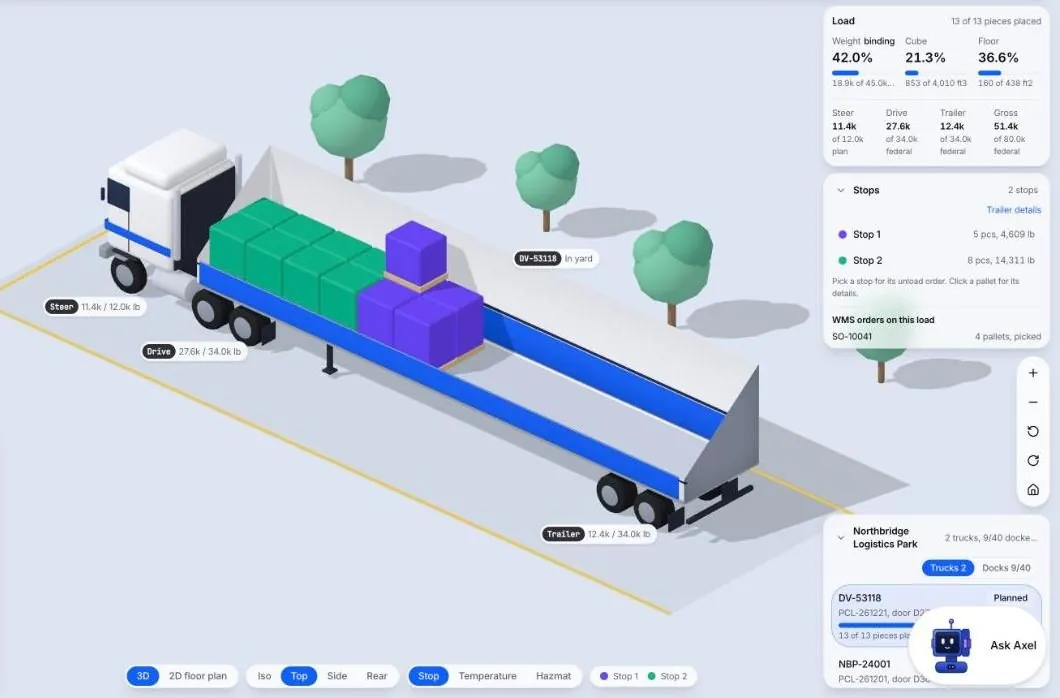
These are screens from the Microsive demo platform, all demo data and not a real warehouse. They show the kind of view worth asking a vendor to put in front of you. You may have seen 3D warehouse views like these around online.
02Features that matter
Seven reports a 3PL owner should run every week, what each one tells you, and what to ask a vendor before you rely on it.
03Features that matter
Print it, take it to every demo and mark each line S, D or N, so you count what was shown working and not what was only described.
04Basics
In a 3PL every unit belongs to someone else, and that changes records, rules, billing and access. A short test shows whether a system copes.
05Choosing a system
A seven step method for picking 3PL software: write down client rules, name five decisions, score what you saw working, and record why you chose.
06Choosing software
Who should attend, what to bring and which questions to put about clients, the dock, picking, invoices and life after you sign.